Forma Invoice
Prepare client documents without starting from scratch.
Create an invoice or quotation with your line items, tax, discount and business details. Save clients for next time, then download a PDF from the browser.
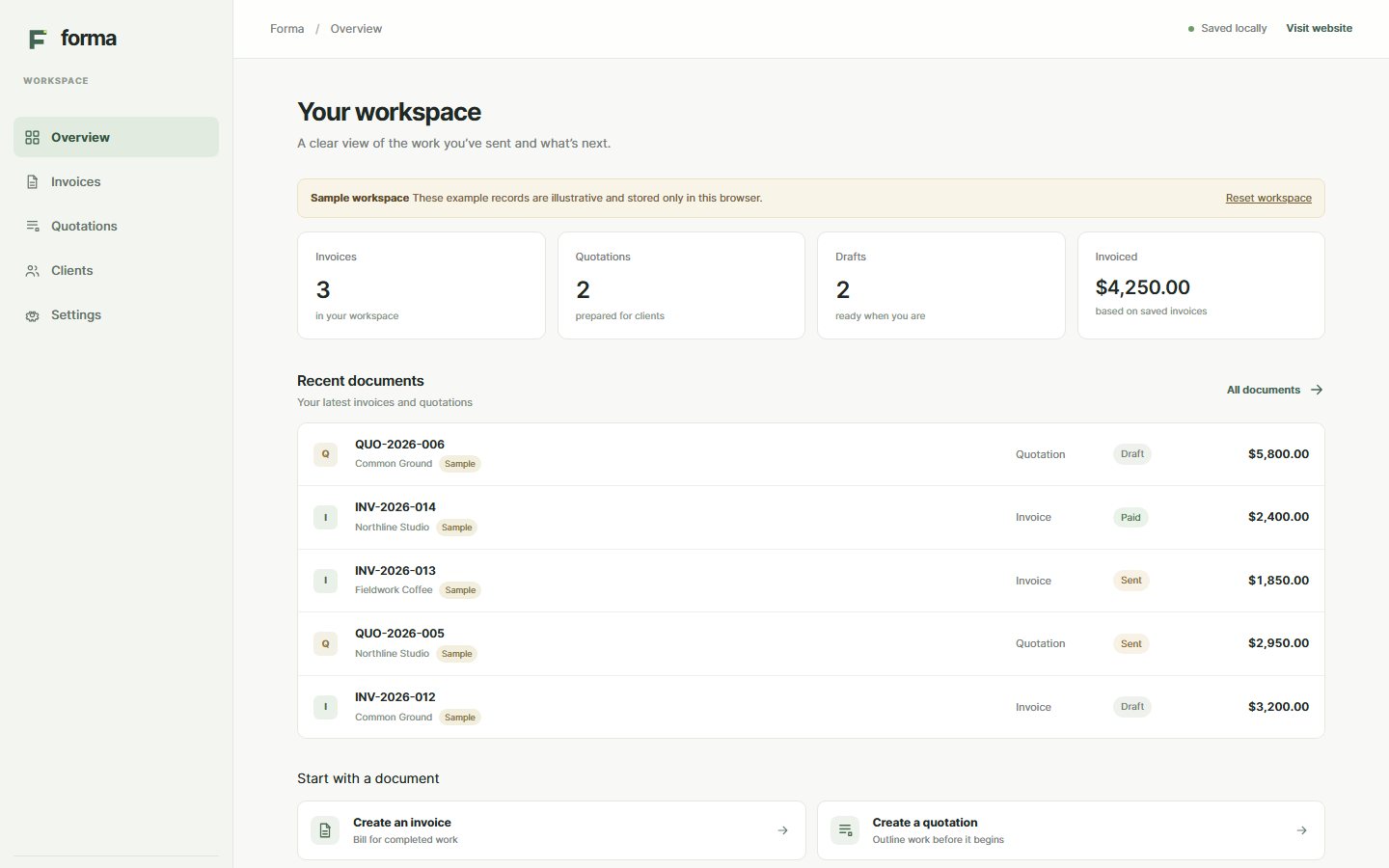
The details you need to send a clear document.
Forma keeps the information for invoices and quotations in one browser workspace. It is built for freelancers and small service businesses that want a straightforward way to prepare client paperwork.
-
Create invoices and quotations
Add line items, quantities, prices, dates and payment terms. Set a currency, discount and tax rate for each document.
-
Turn a quotation into an invoice
Carry the approved items and client details forward instead of entering them again.
-
Keep client details nearby
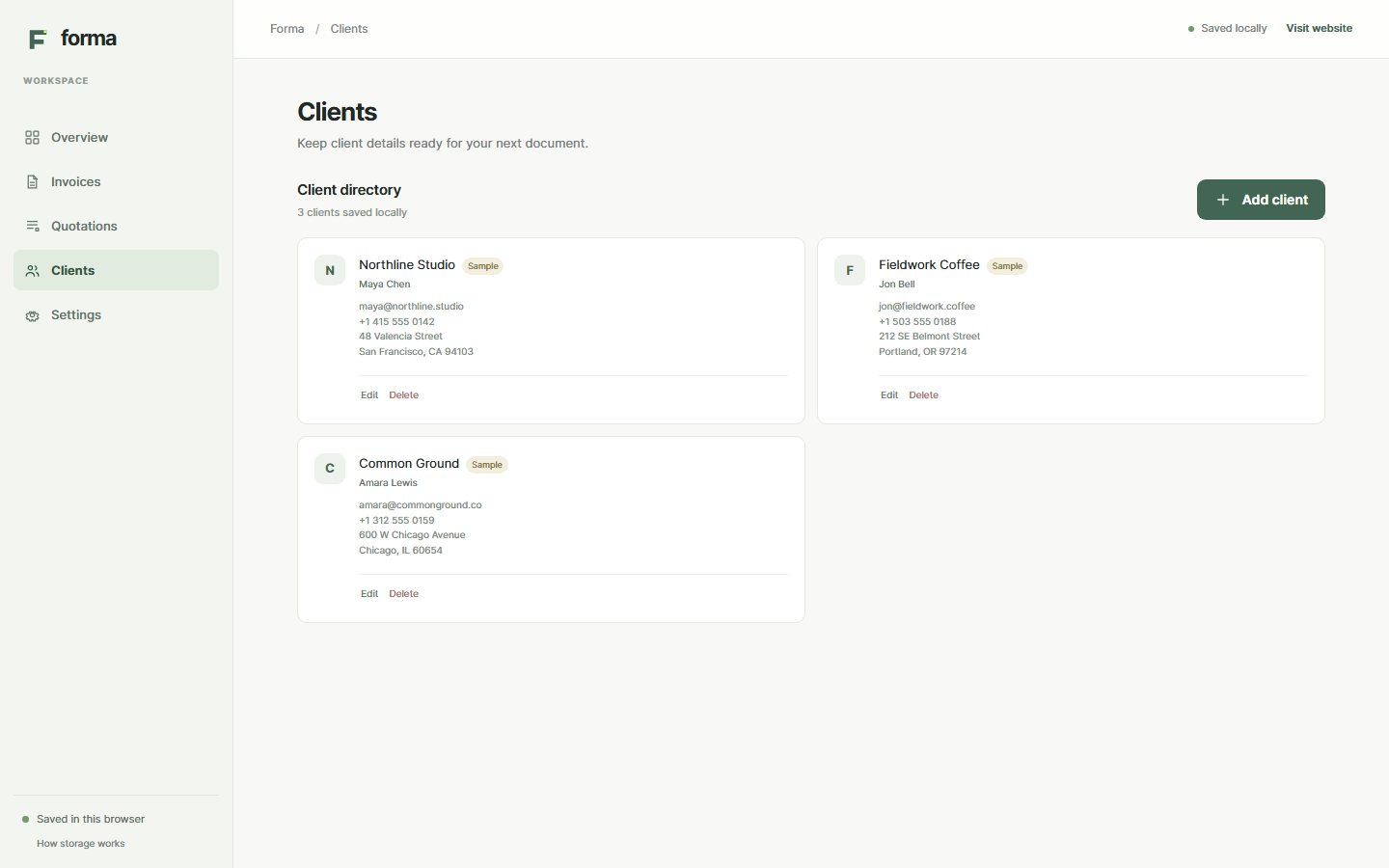
Save contact names, company details and billing addresses in the browser for future documents.
-
Preview and download PDFs
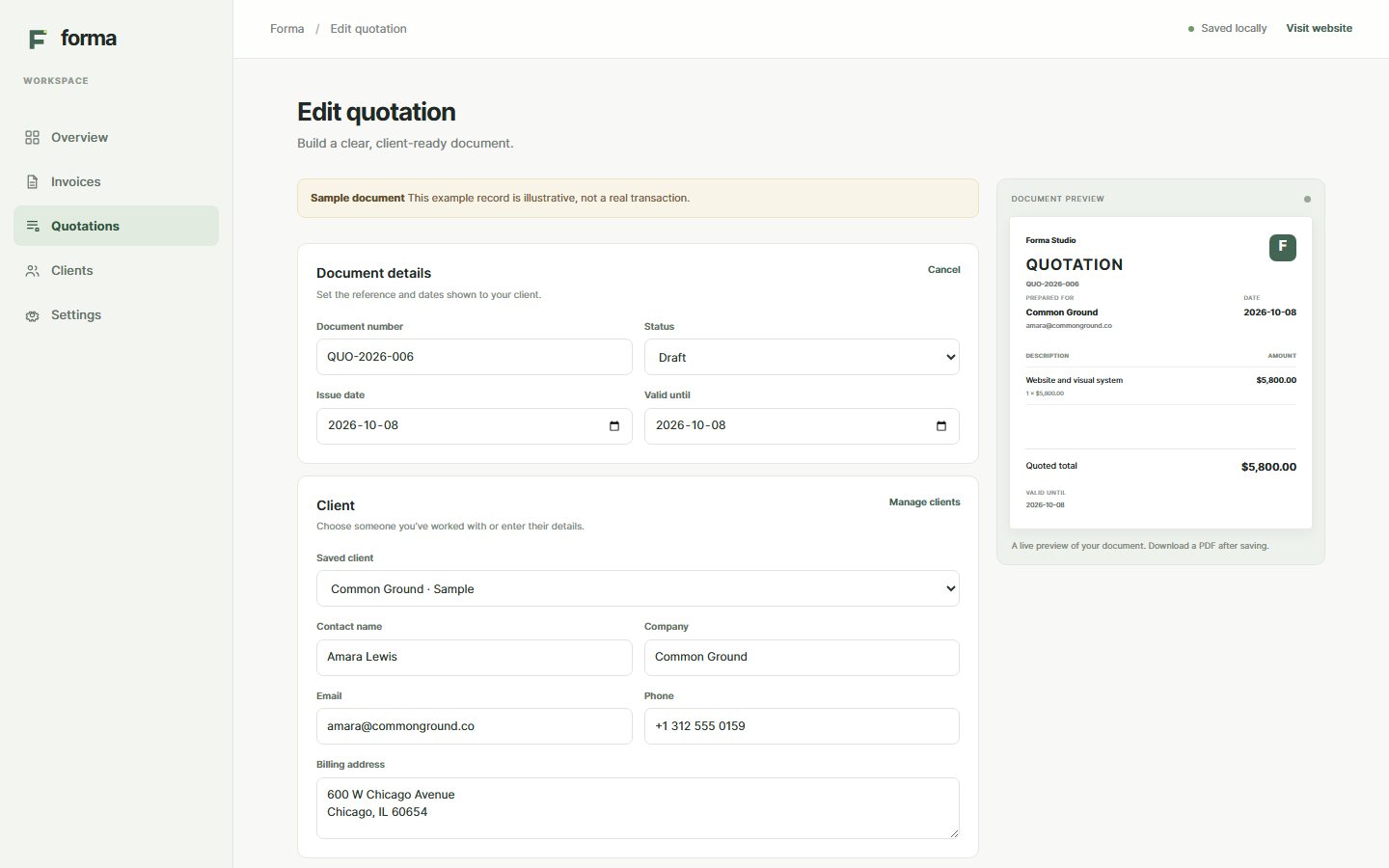
Check the document while you edit it, then download an invoice or quotation as a PDF.
-
Reuse business details
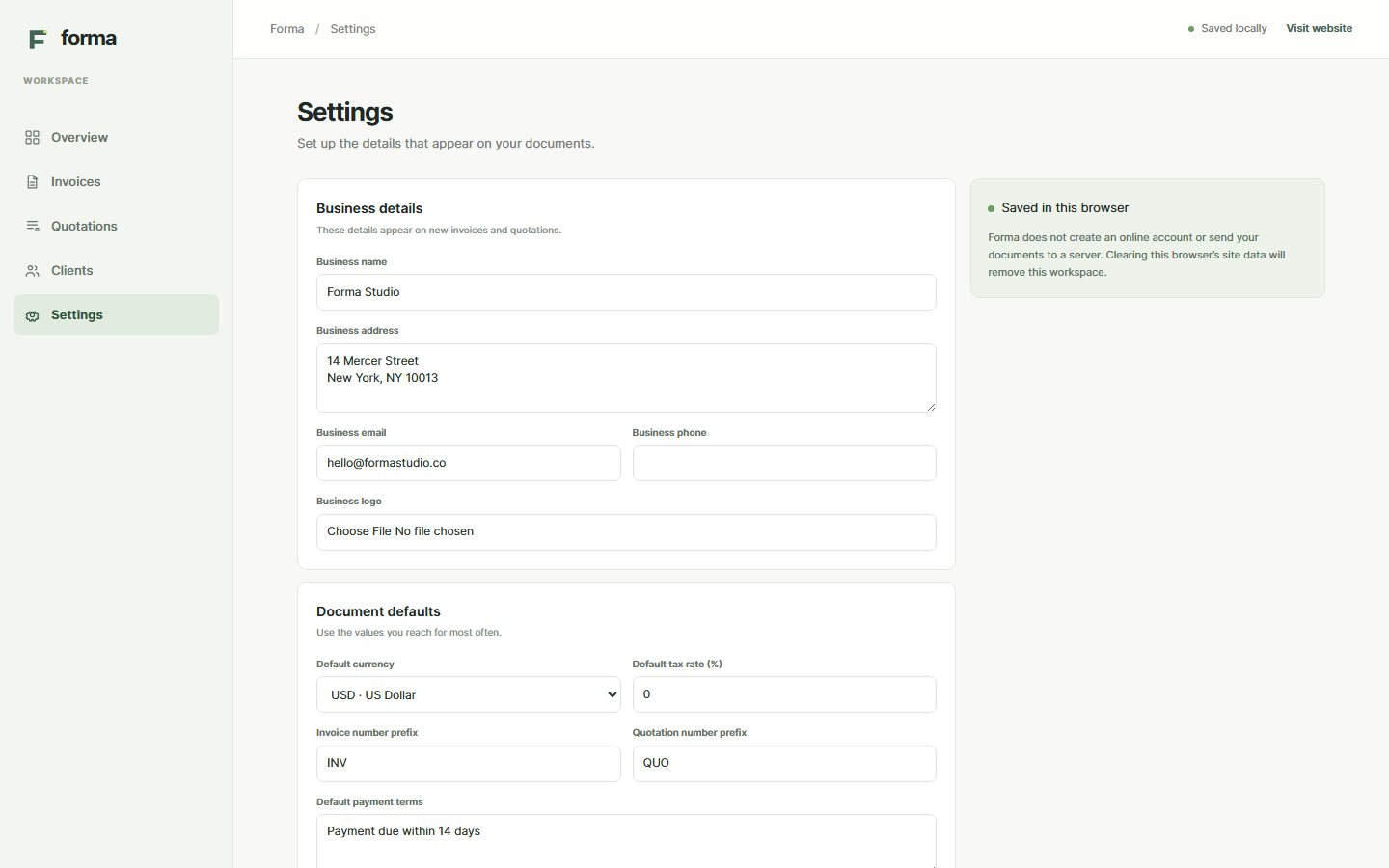
Set your business information, logo, default currency, tax rate and document numbering for new work.
-
See saved work in the browser
Forma stores documents and settings on this browser profile. The app has no server sync or backup.
Inside the workspace
These are actual screens from Forma's marked sample workspace. The example names, addresses, dates and amounts are illustrative.
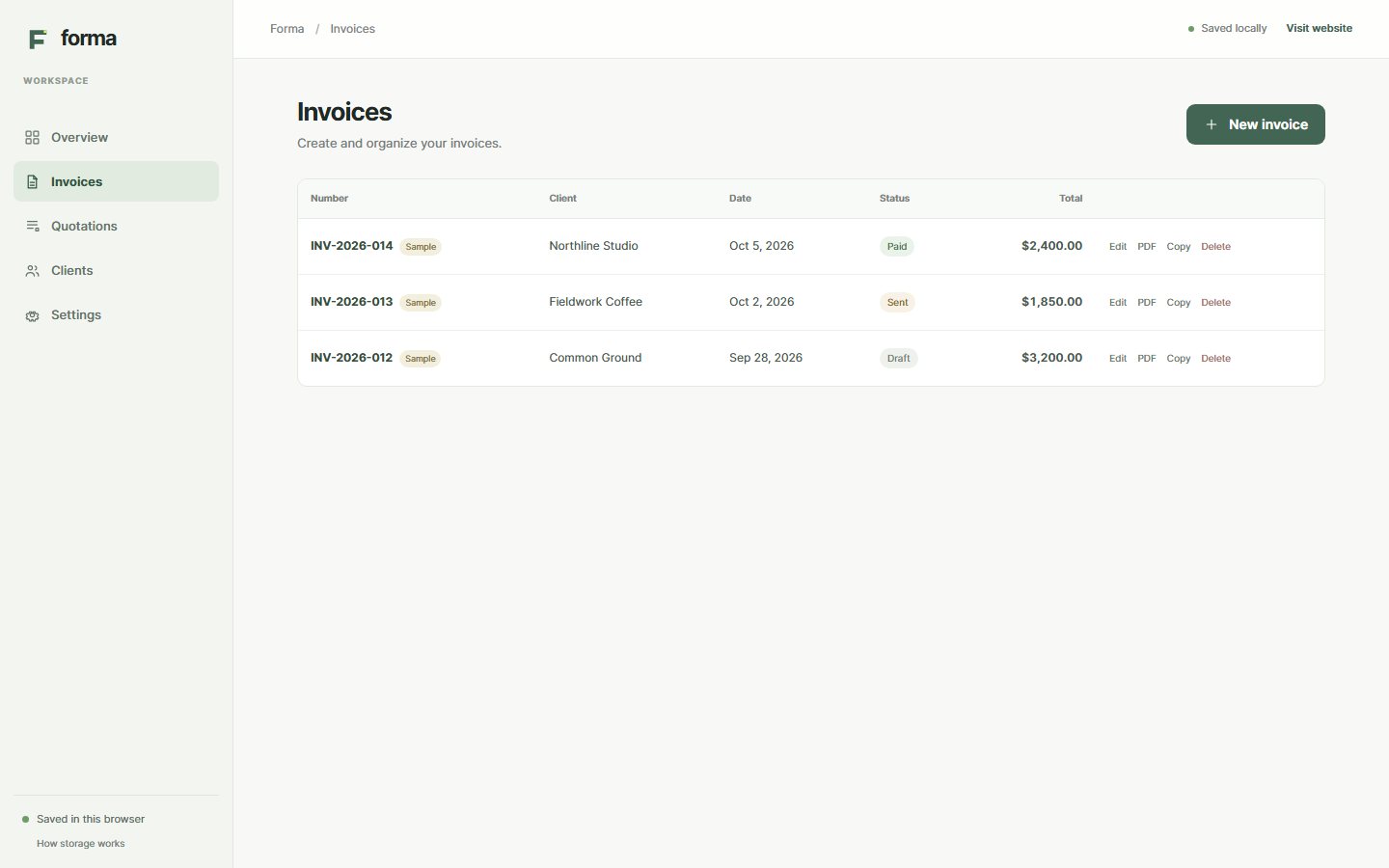
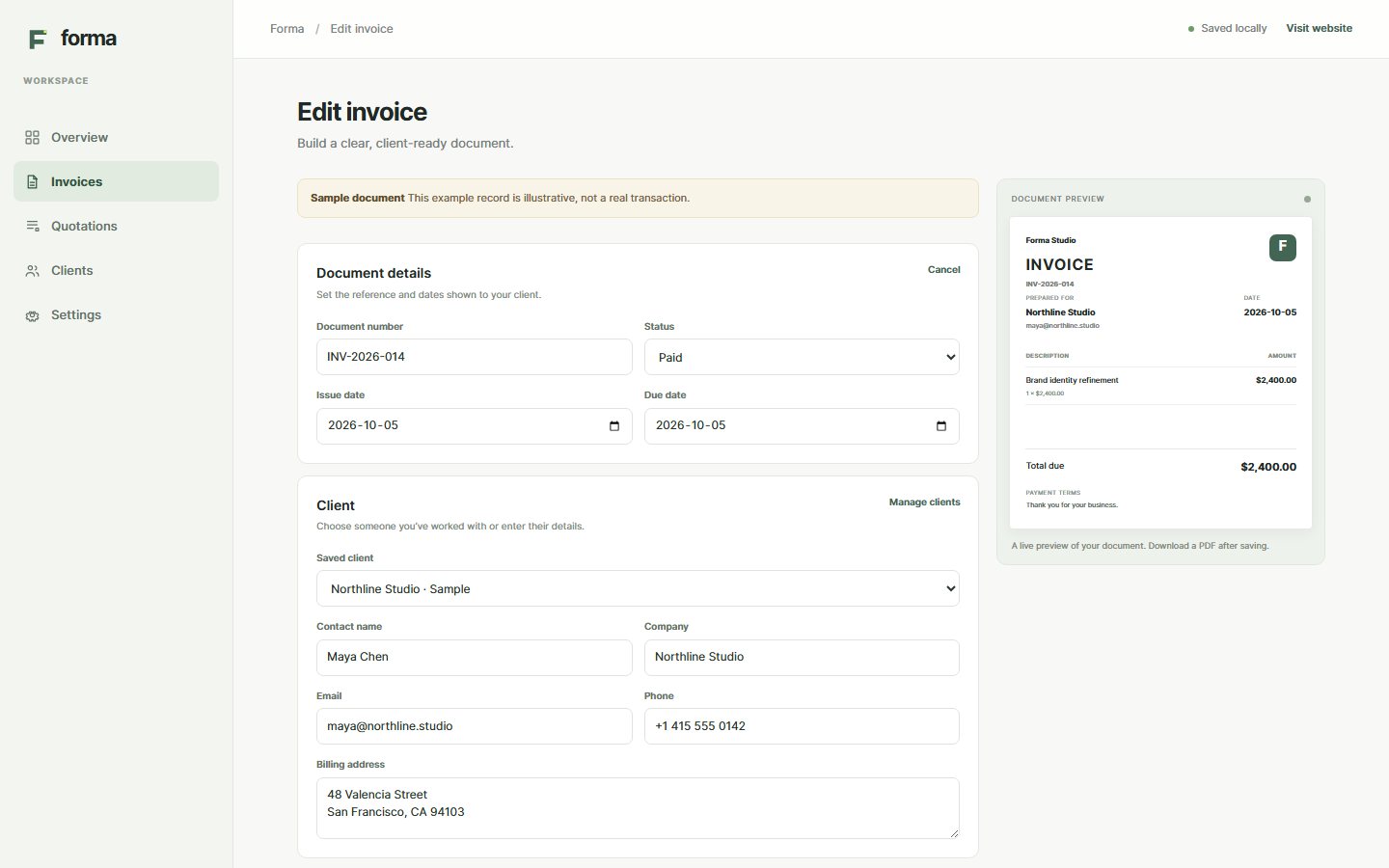
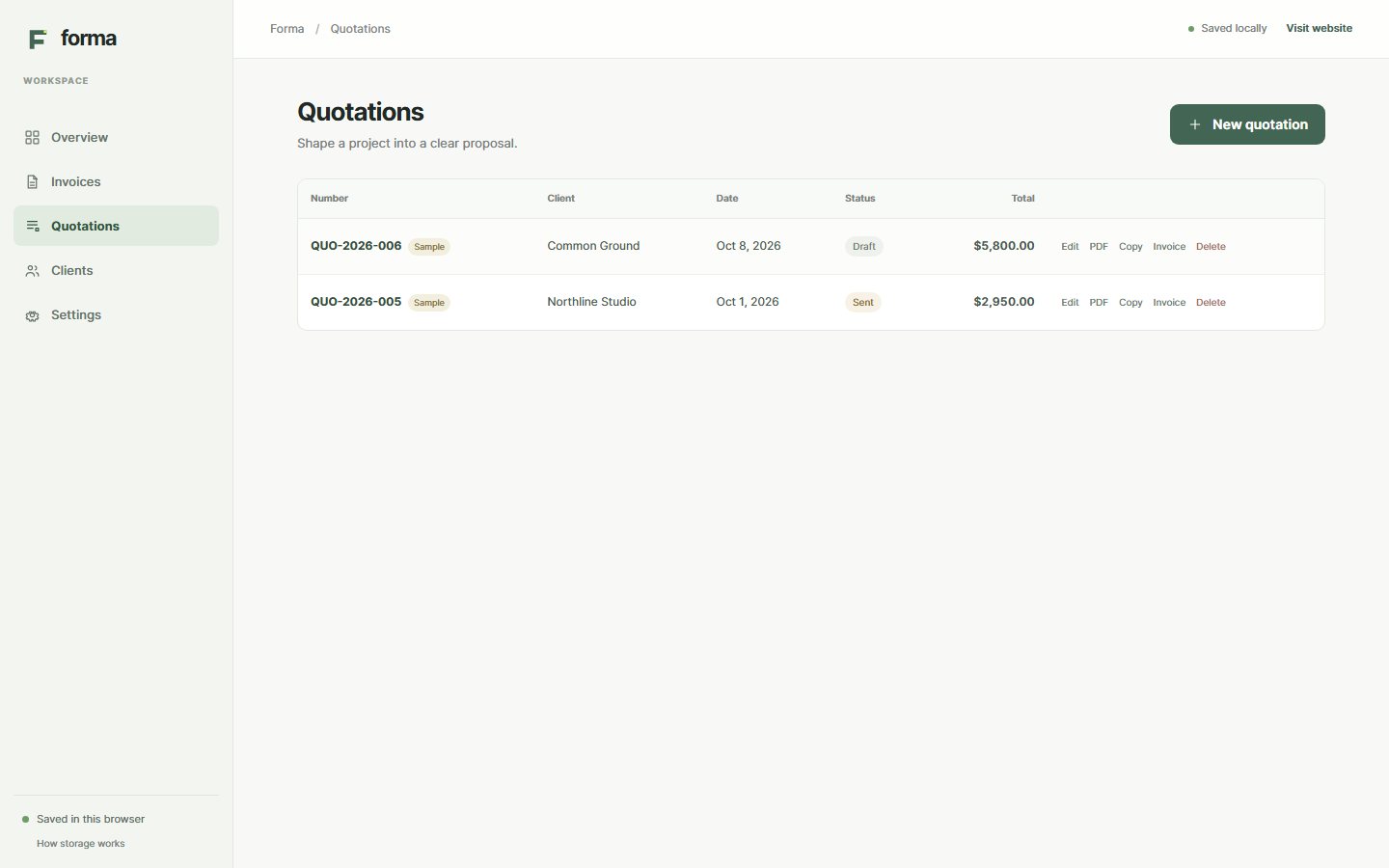
Your workspace stays in this browser.
Forma saves documents, clients and settings in local browser storage. There is no cloud sync or server backup. If you clear this browser's site data, the workspace is removed.
The current account and checkout screens are local previews. Forma does not collect payments or activate subscriptions.
Saved on this device
Your documents and client details are available in the browser profile where you created them.
No online account service
Local sign-in is a browser-only profile. It does not create a cloud account.
No payment processing
The plan and checkout screens are previews. They do not charge a card or unlock a paid subscription.
Take a look at Forma Invoice.
Open the workspace to see how invoices, quotations and local client details fit together.